
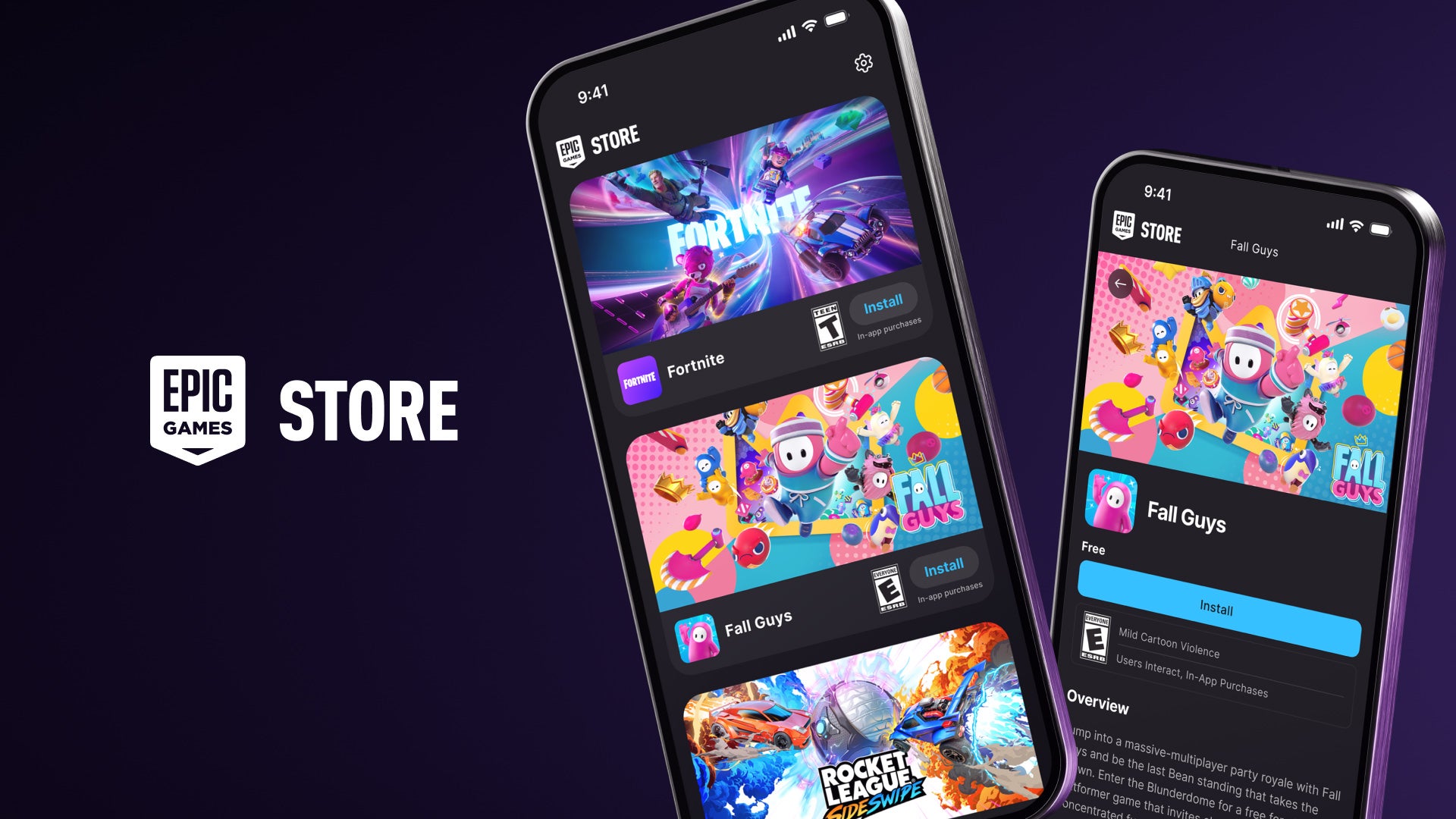
Mobile gamers in Japan have a massive reason to celebrate! Following significant shifts in the digital marketplace, the Epic Games Store is officially available on iPhone in Japan. This milestone brings fan-favorite titles like Fortnite and Rocket League Sideswipe directly back to iOS devices, allowing players to experience high-fidelity gaming on the go.
Whether you are looking to jump back onto the Battle Bus or score gravity-defying goals in rocket-powered cars, here is everything you need to know about this exciting launch.
Jump Into the New “Fortnite Showdown” Season There has never been a better time to play Fortnite on mobile. The latest Battle Royale Season, Fortnite Showdown, is now live and packed with competitive energy.
- Choose Your Side: Players can choose their allegiance—join either Team Foundation or Team Ice King—and battle it out to lead their faction to victory.
- Seasonal Rewards: Throughout the season, you can unlock brand-new weapons, exclusive cosmetic items, and unique rewards through the Battle Pass.
- Infinite Game Modes: Beyond traditional Battle Royale, you can explore over 345,000 custom games created in the Unreal Editor for Fortnite (UEFN). From intense boxfights and spooky horror escapes to relaxing tycoon simulators, the variety is endless.
Unlock the Exclusive Yeddy Outfit To celebrate the return to mobile, Epic is offering a special incentive for players. By downloading Fortnite on any mobile device and inviting a friend to join the fun, you will automatically earn the brand-new Yeddy Outfit. This exclusive skin is a great way to refresh your locker and show off your mobile status.
How to Install the Epic Games Store on iPhone (Japan Only) Installing the Epic Games Store on an iOS device requires a few specific steps due to current regional regulations. Follow this quick guide to get started:
- Visit the Official Site: Go directly to the Epic Games website on your iPhone browser to initiate the download.
- Adjust Device Settings: During the installation, your iPhone will prompt you to visit the system settings.
- Grant Permissions: Select the option to “Allow Apps from Epic Games Inc” to proceed with the installation.
- Launch and Play: Once the store is installed, simply open it, download Fortnite or Rocket League Sideswipe, and log in to your account.
Social Features and Account Security The Epic Games Store mobile app is more than just a launcher; it is a hub for your gaming community.
- Stay Connected: Use the built-in text chat feature to stay in touch with your friends across the entire Epic ecosystem, whether they are on PC, console, or mobile.
- Secure Your Account: You can easily set up Two-Factor Authentication (2FA) directly from your phone. This is highly recommended to keep your skins, V-Bucks, and progress safe from unauthorized access.
While the iOS launch is currently focused on Japan, remember that the Epic Games Store remains available on Android devices and PCs worldwide. Grab your iPhone, squad up, and we’ll see you on the Island!